Blog
Practical tutorials and tips on image, compression, formats, and performance.
156 posts · Page 4 of 13
-
 Tutorials
Bluesky Profile Picture Guide 2026: Circle Crop That Reads
Crop a clear Bluesky profile picture: square source, circular safe zone, PNG/JPG export, and a file under the real 1 MB avatar cap.
-
 Tutorials
YouTube Channel Picture Guide 2026: 800x800 Safe Crop
Use the right YouTube channel picture size, crop for the circle, and proof your logo or face at 98 x 98 before upload.
-
 Tutorials
Free Image Tools That Process Locally Guide 2026
Find which free image tools process locally, which upload files, and how to verify a no-upload claim before using private photos.
-
 Tutorials
How to Fix a Blurry Telegram Profile Photo
Telegram stores your profile photo as small square copies and re-encodes them as JPEG. Fix the blurry avatar with a sharp, centered 1024 x 1024 square crop.
-
 Tutorials
Circle Crop a Logo With a Transparent Background
Circle crop a logo with transparent edges: prep a square file, keep safe spacing, export PNG, and avoid fuzzy or boxed corners.
-
 Tutorials
GitHub Avatar: Square Crop That Survives the Circle
Crop a GitHub avatar that stays sharp in the circle: use a 500 x 500 square, keep the face centered, and export under 1 MB.
-
 Tutorials
PNG to JPG Transparent Background: Fix the Black Box
Fix PNG to JPG transparent background problems: choose the right fill color, avoid black boxes, and know when to keep PNG or WebP instead.
-
 Tutorials
How to Compress Screenshots Without Blurry Text
Compress screenshots without fuzzy text: keep a PNG master, resize first, export WebP when accepted, and check the result at 100%.
-
 Product Photography
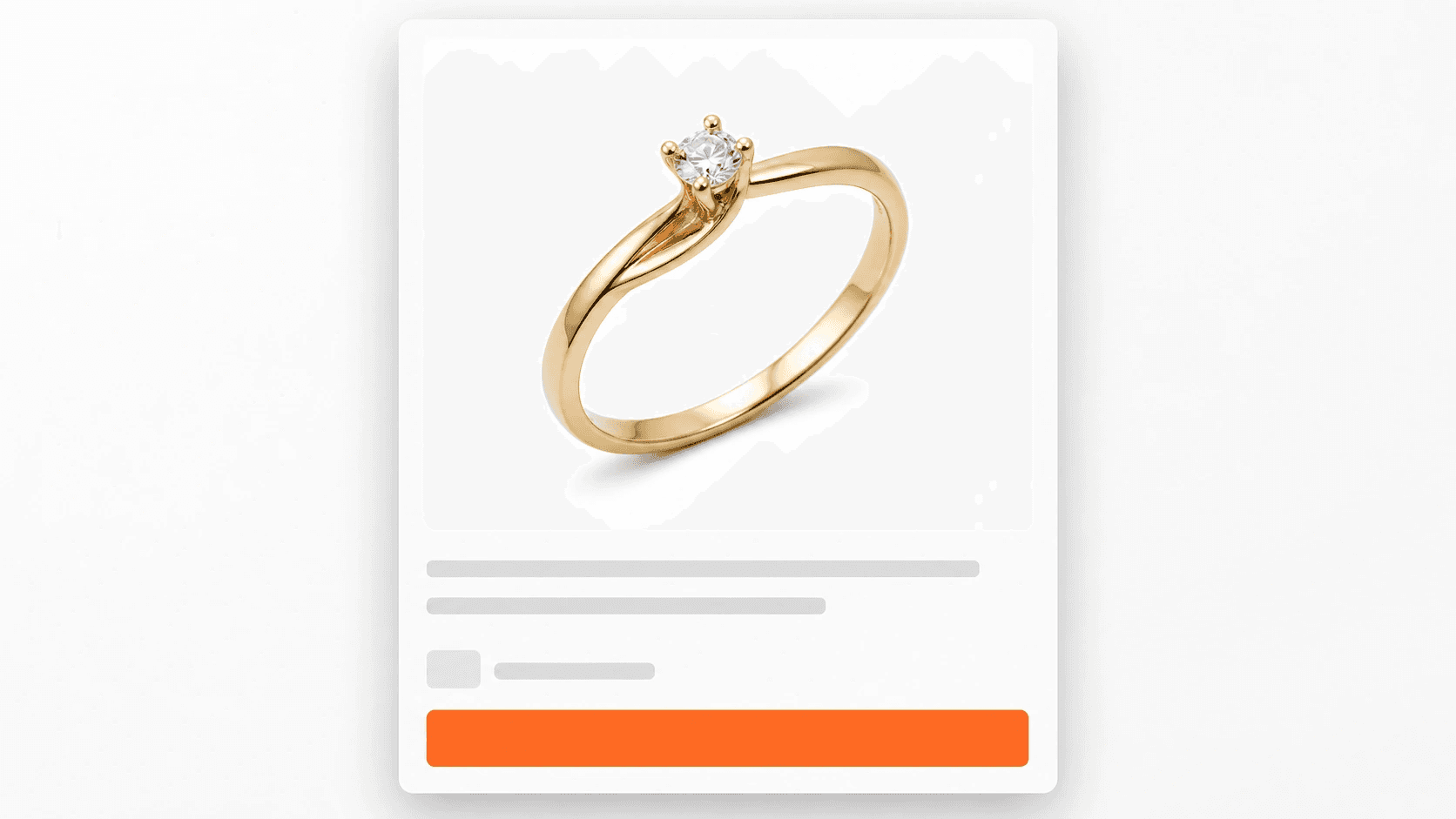
How to Remove a Jewelry Photo Background Cleanly
Remove a jewelry photo background without clipping chain links or flattening reflections. Use iPhone cutout first, then inspect and export a clean PNG.
-
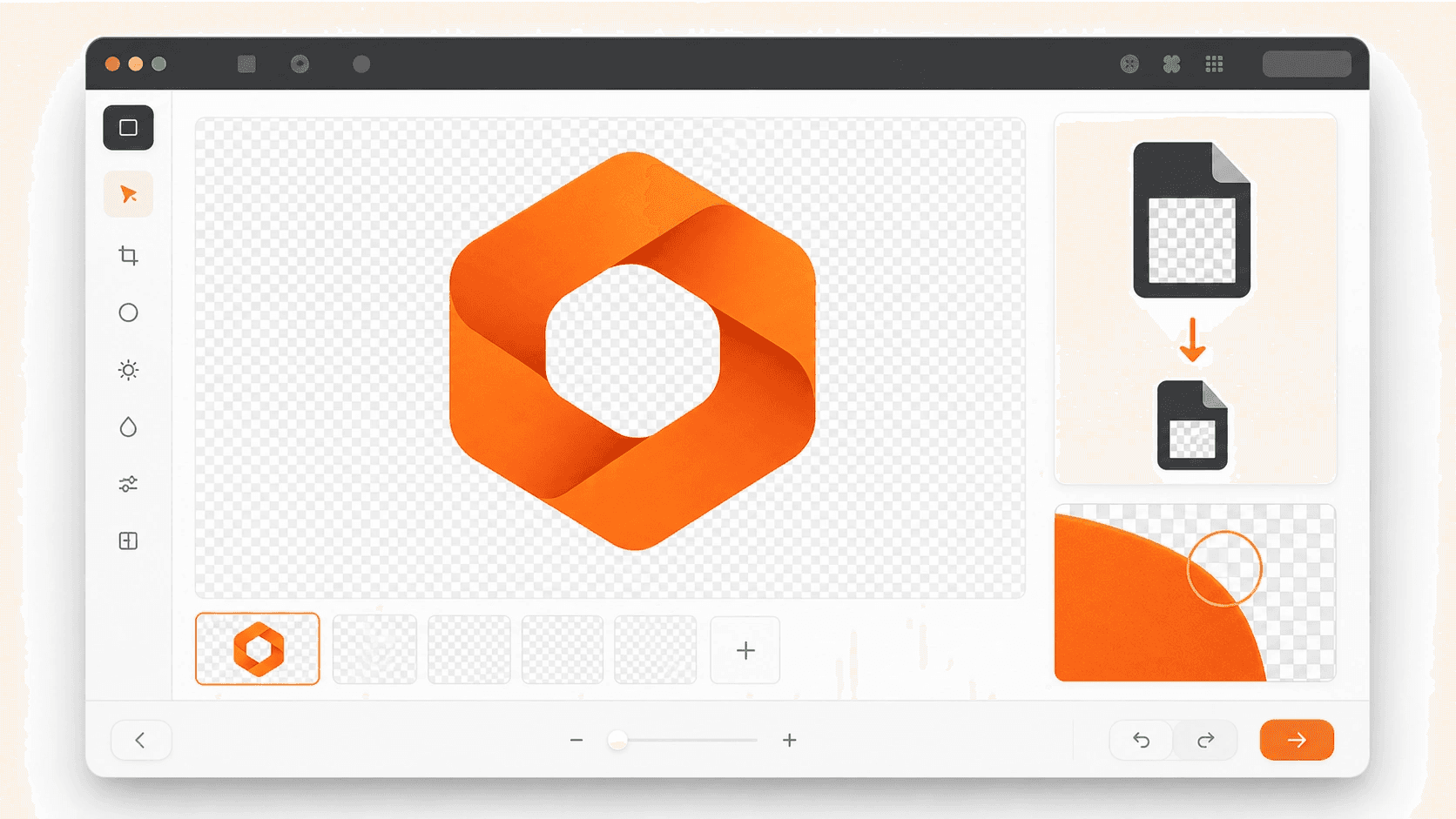 Image Optimization
How to Make a PNG Smaller Without Losing Transparency
Shrink a transparent PNG without adding a white box. Resize oversized pixels, compress the palette, or export a WebP copy while keeping your PNG master.
-
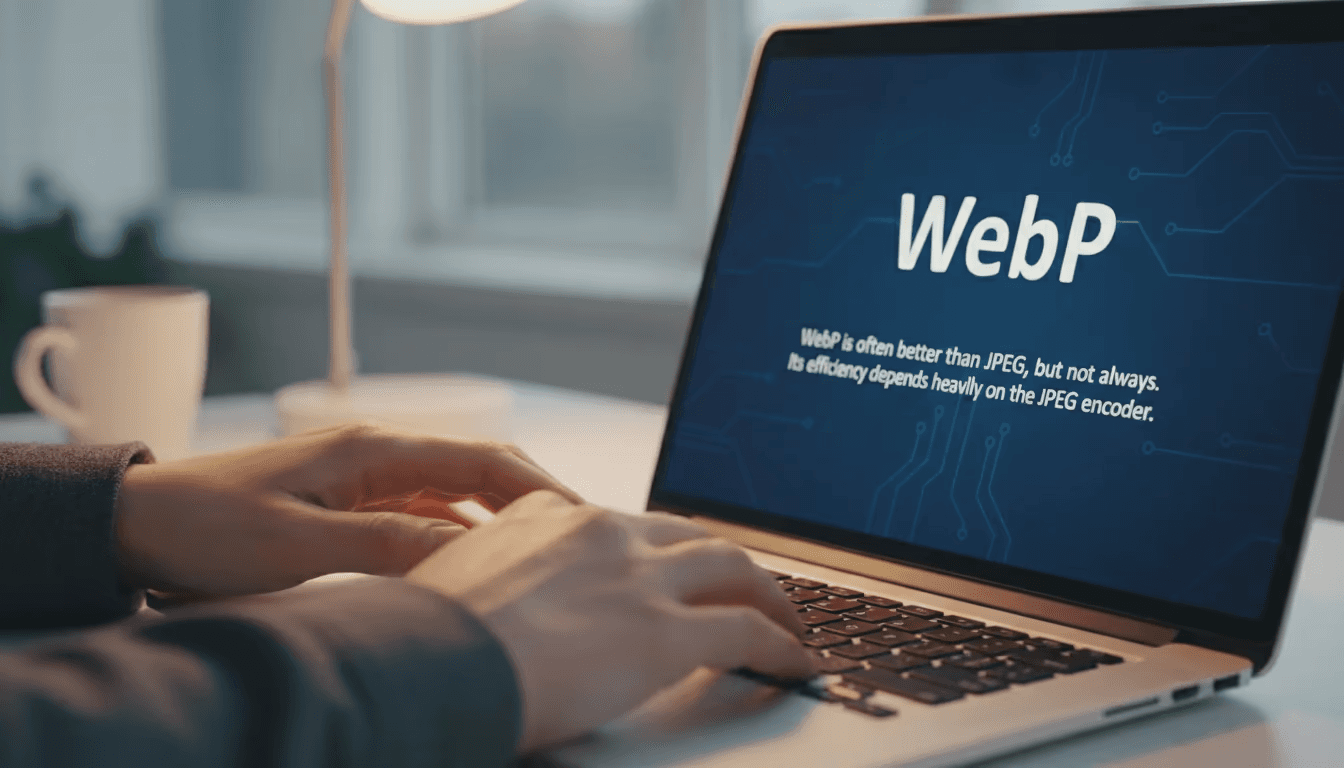 Image Editing
Optimizing Images: WebP vs. Modern JPEG for Website Speed
You’ve probably been told to switch all your website images to WebP. It sounds like solid advice, but let's be honest, it’s not always the right move. While…
-
 Tutorials
How to Remove a Headshot Background Without Ruining Hair
Remove a headshot background without chopping off hair. Start with native tools, inspect the mask at 100%, repair halos, and export a clean PNG properly.


