Blog
Practical tutorials and tips on image, compression, formats, and performance.
156 posts · Page 2 of 13
-
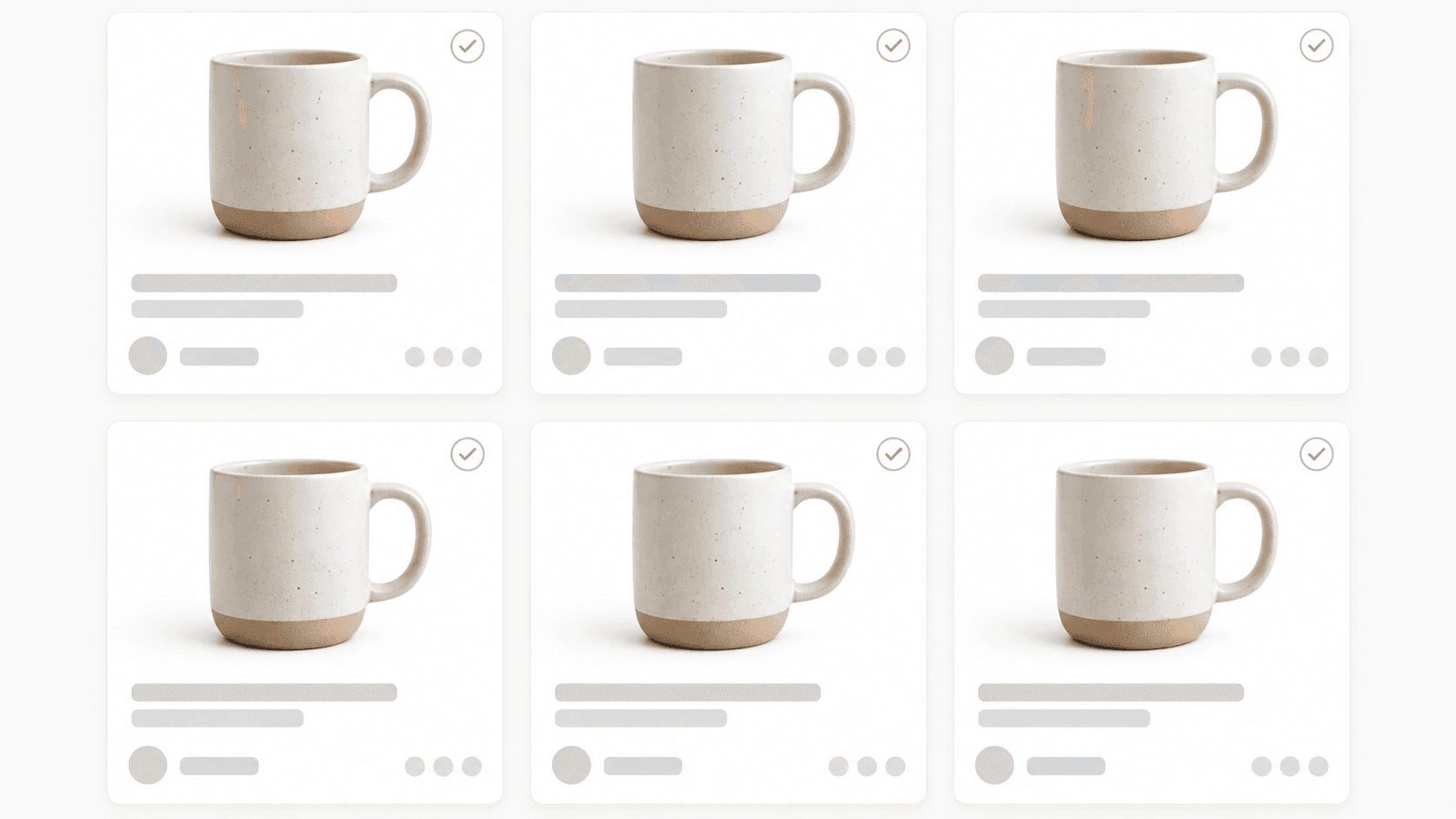 Background Removal
AI Background Removal Tools for Batch Processing (2026)
Compare 10 AI background removal tools for 2026 batch jobs: edge accuracy on hair/fur, true batch processing, API access, and pricing traps to avoid.
-
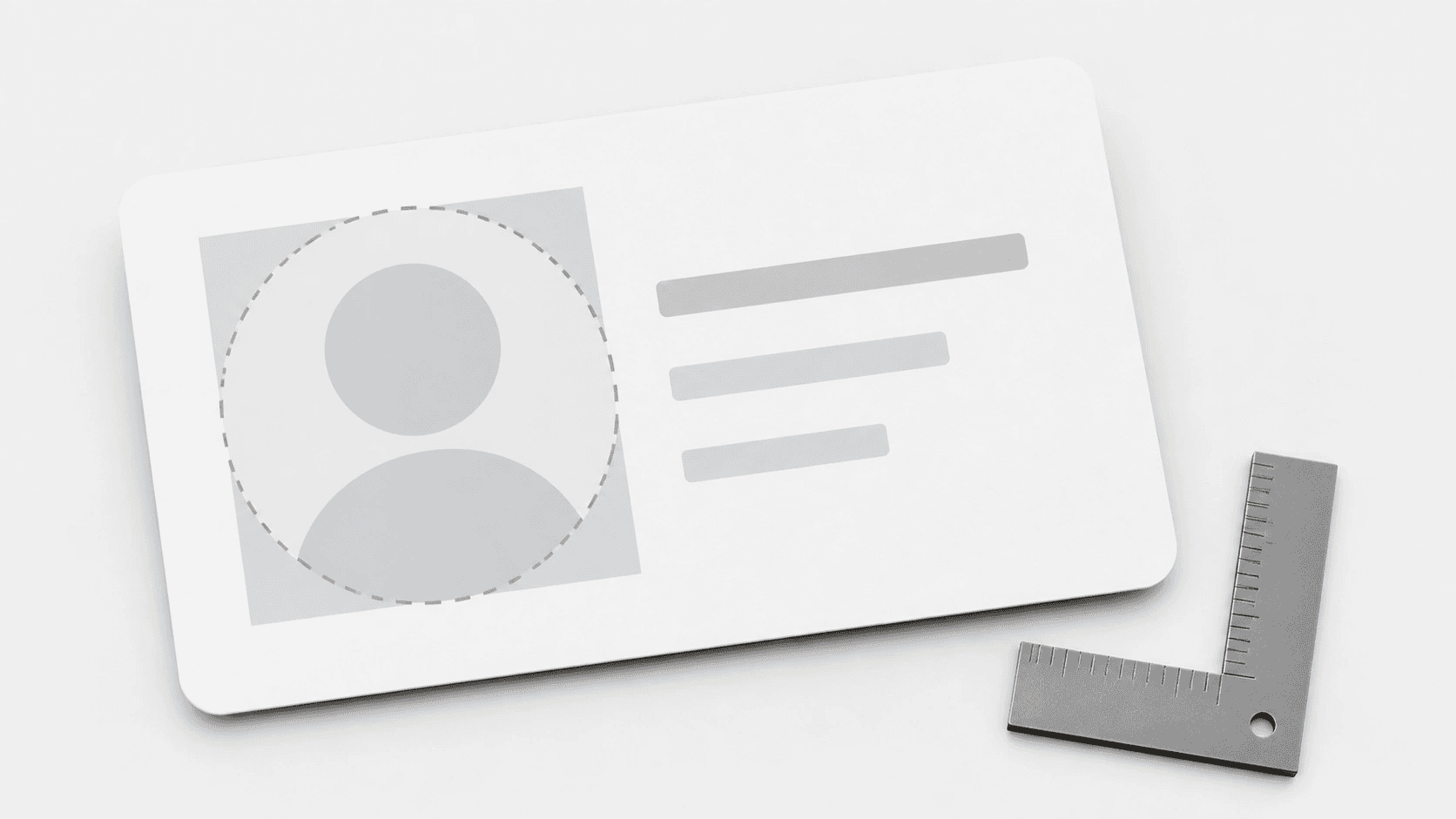 Tutorials
Profile Picture Safe Zone Guide 2026: Six Masks, Measured
A circular avatar mask deletes 21.46% of your square upload. I read the rendered CSS on six public profile pages and measured what actually survives it.
-
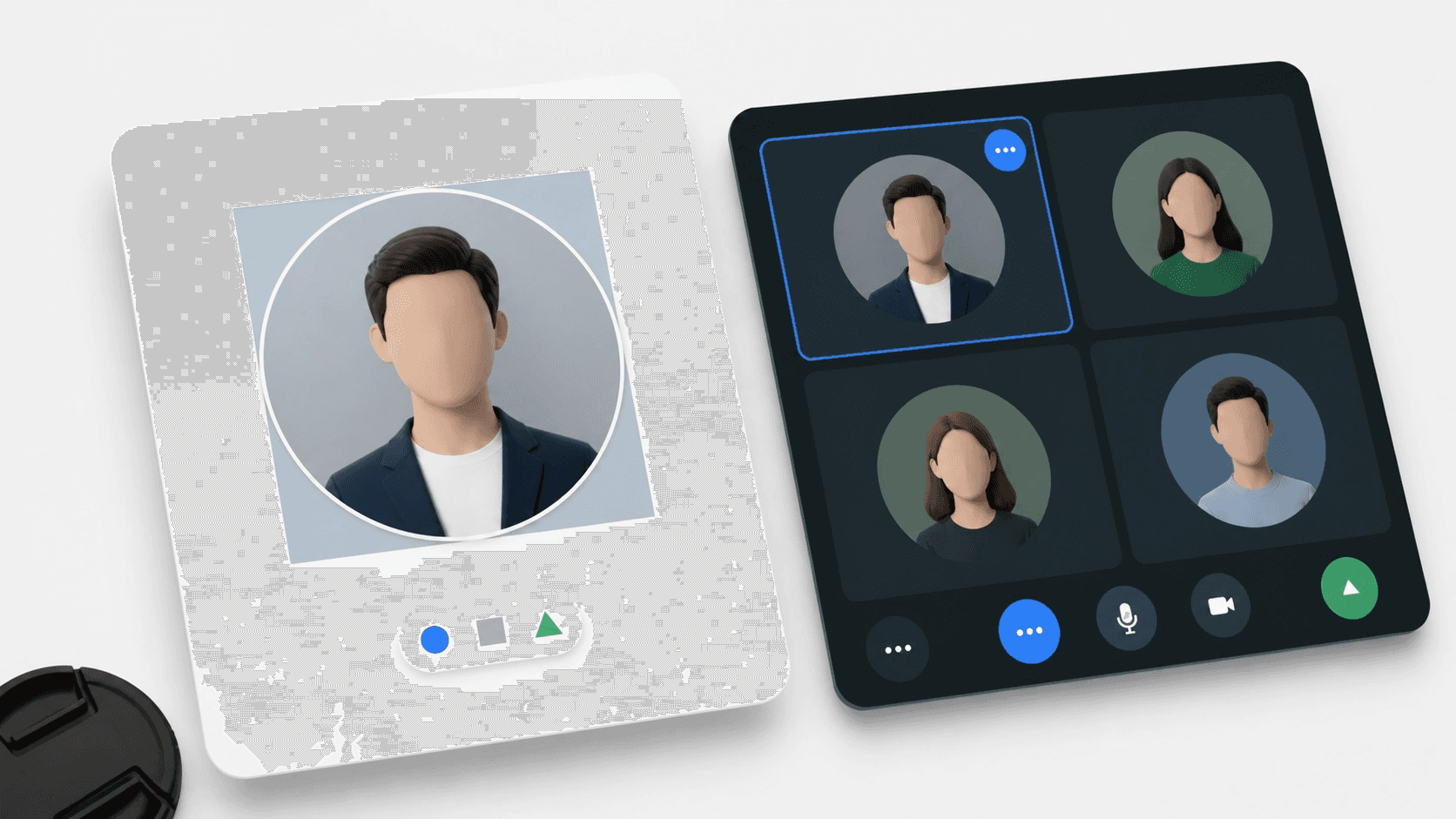 Tutorials
Google Meet Photo Guide 2026: Fix the Shared Account Crop
Fix a Google Meet photo with a circle-safe crop that stays sharp and updates through your shared Google Account.
-
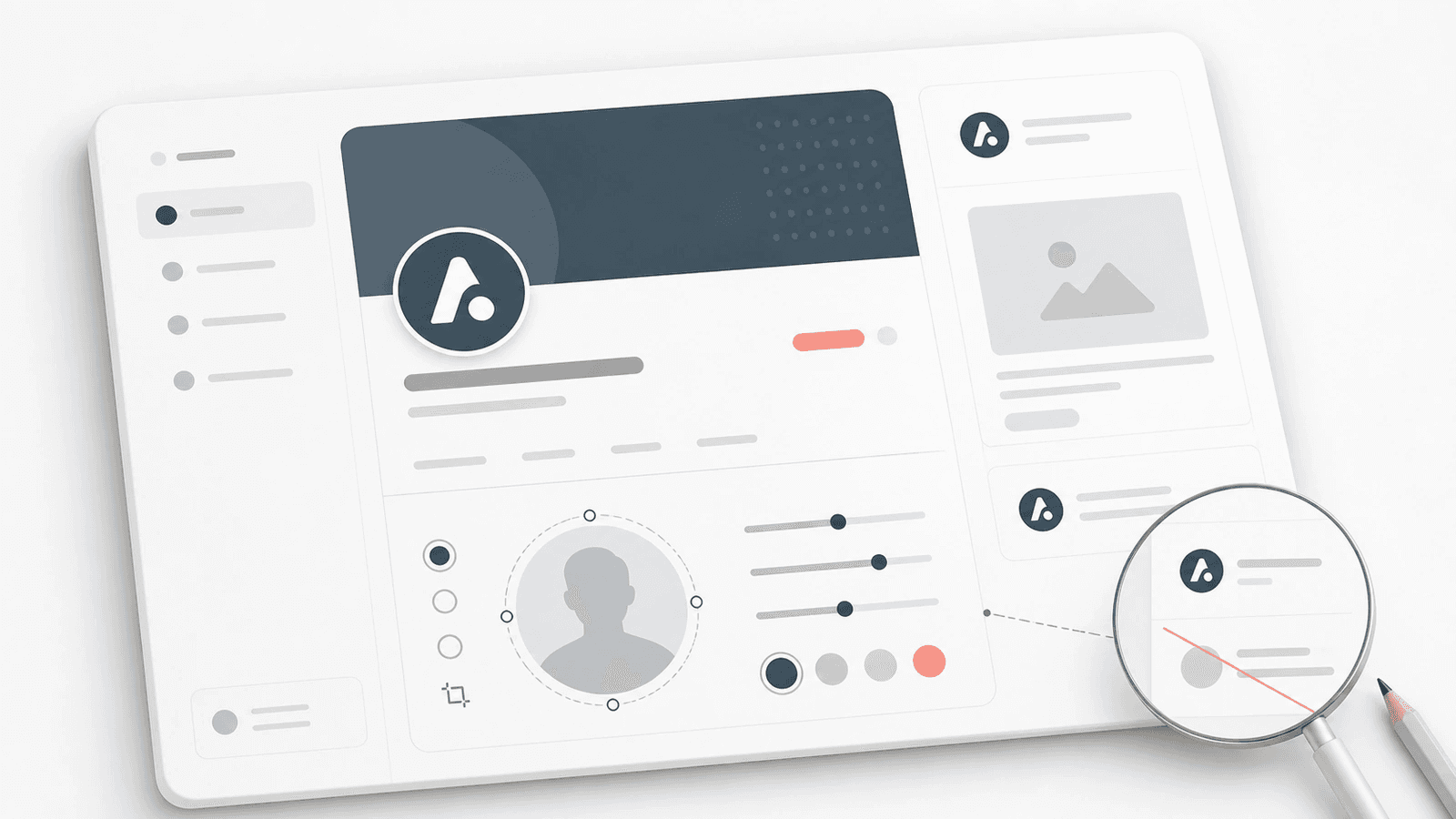 Tutorials
Change a Substack Profile Picture Without a Tiny Logo
Change your Substack profile picture with a square source, a circle preview, and a logo test that stays legible on a phone.
-
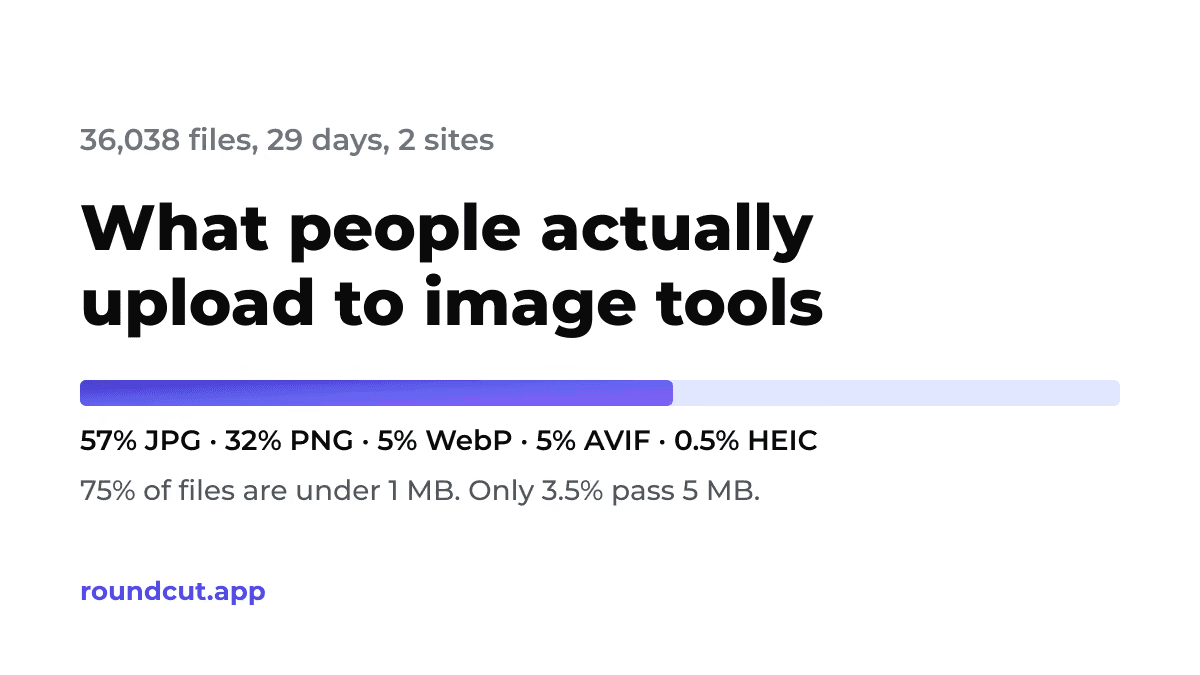 Image Editing
What People Actually Upload to Image Tools: 36,038 Files, 29 Days
Original data from RoundCut: format share (JPG 57%, PNG 32%, AVIF 5%), file sizes (75% under 1 MB), HEIC on iOS, and how uploads differ by country and device.
-
 Tutorials
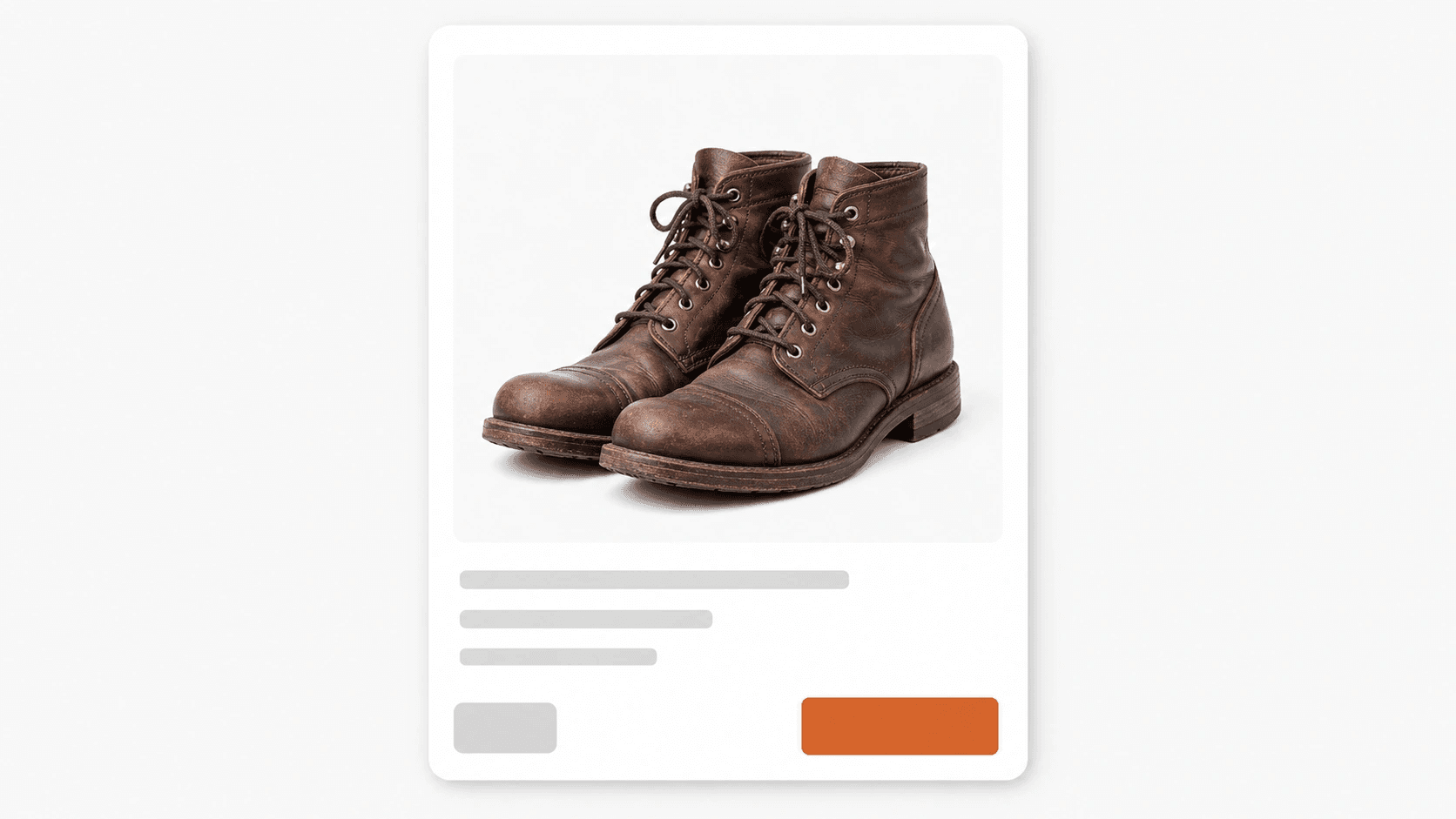
How to Fix the eBay 'Upload Failed, Try Again' Error
eBay's 'Upload failed, try again' error usually means one photo fails a size, format, weight, or background check. Fix the file, then retry.
-
 Tutorials
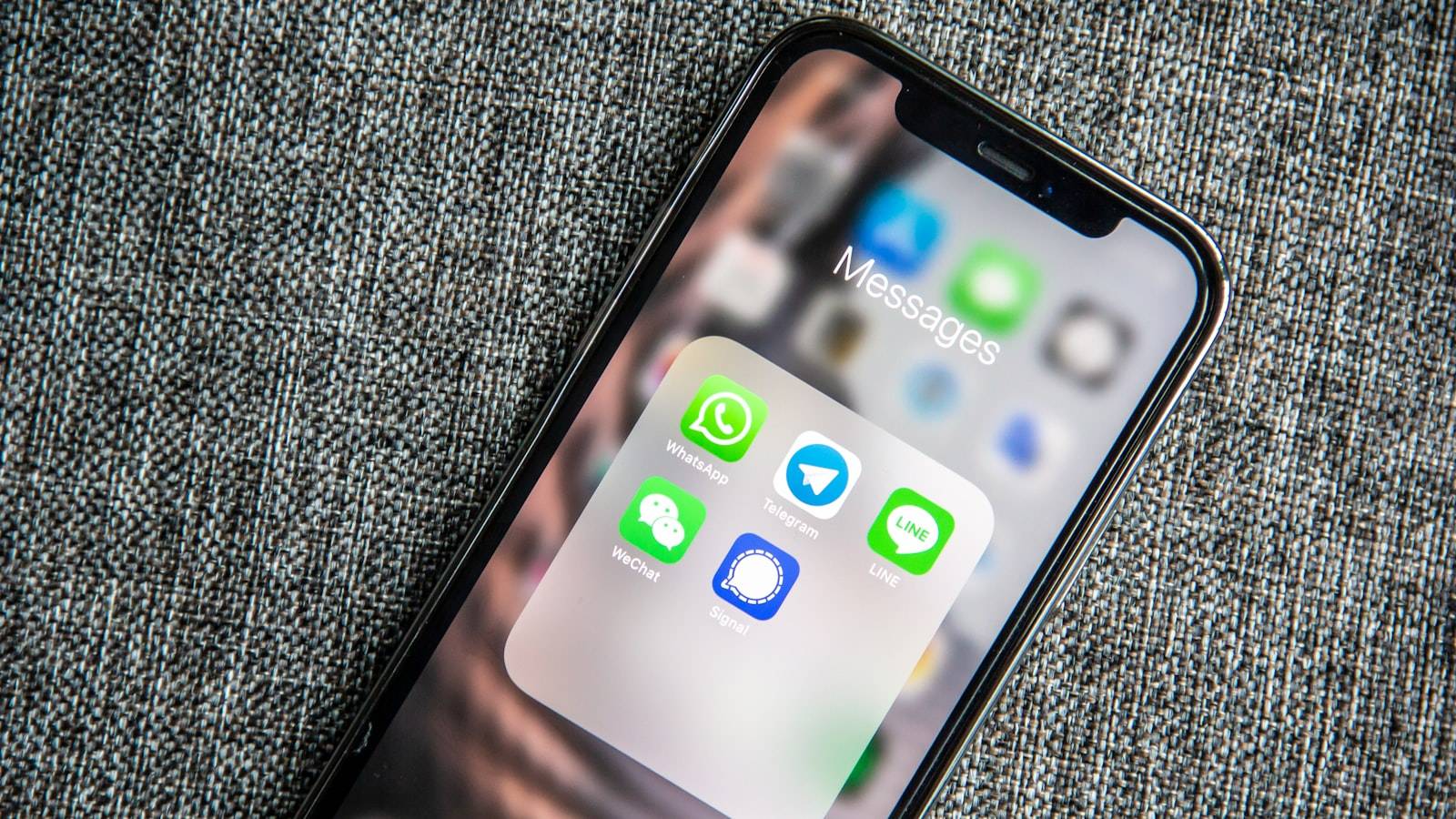
WhatsApp Business Cover Photo Size: Profile Guide
There's no WhatsApp Business cover photo, only a profile picture. The size is 1080 x 1080 pixels, square PNG or JPG, shown as a circle in the app.
-
 Tutorials
Twitter (X) Archive: How to Download Your Data
A Twitter archive is a ZIP of your tweets, DMs, and photos from X's own settings. Here's how to request one and what you'll find inside it.
-
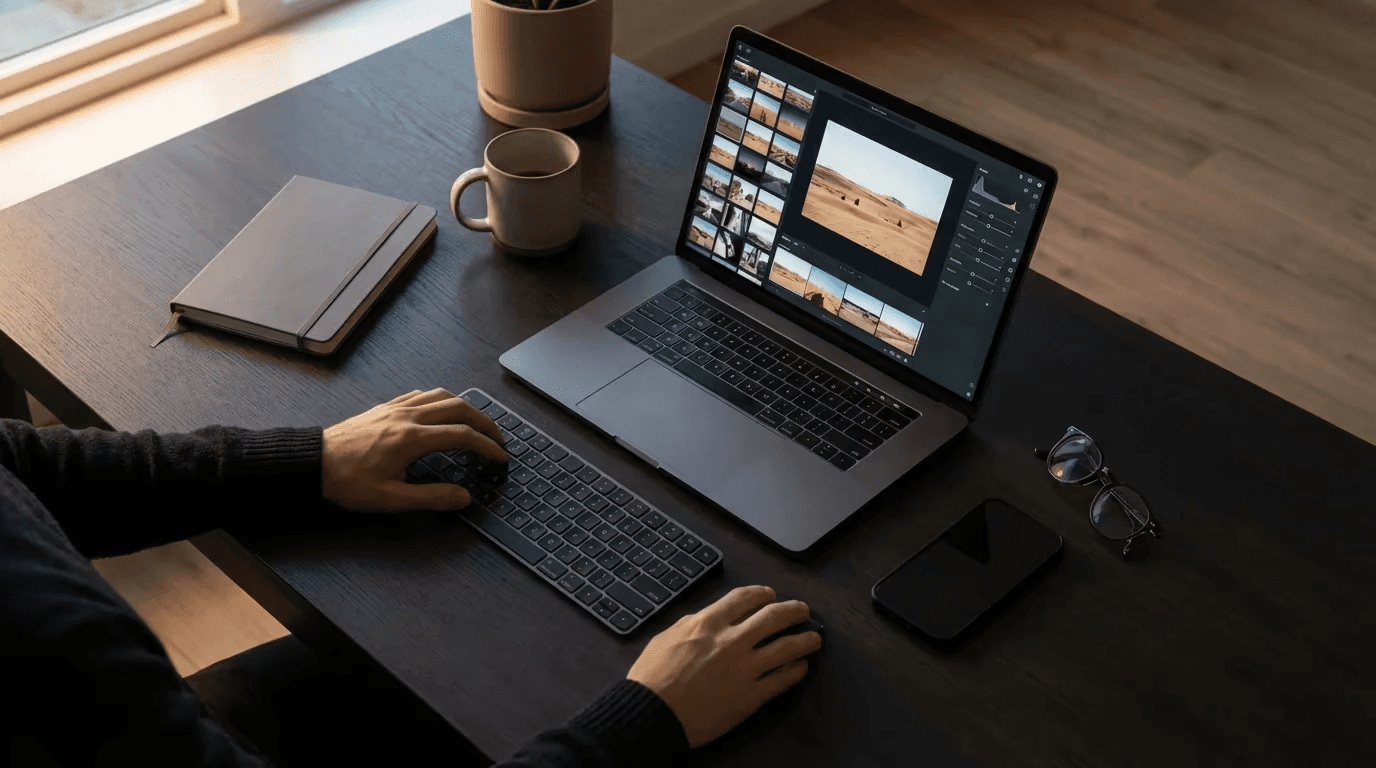 Image Editing
Photoshop Online Free: The Best Browser Editor
Photopea is a free, browser-based editor with a Photoshop-style interface: layers, masks, and PSD support, no install or subscription needed.
-
 Image Editing
Best Background Remover Tools: Pricing & Features Compared
Compare the best background remover tools for professional use. See how edge accuracy on hair and fur, batch speed, and free vs. paid pricing stack up.
-
 Tutorials
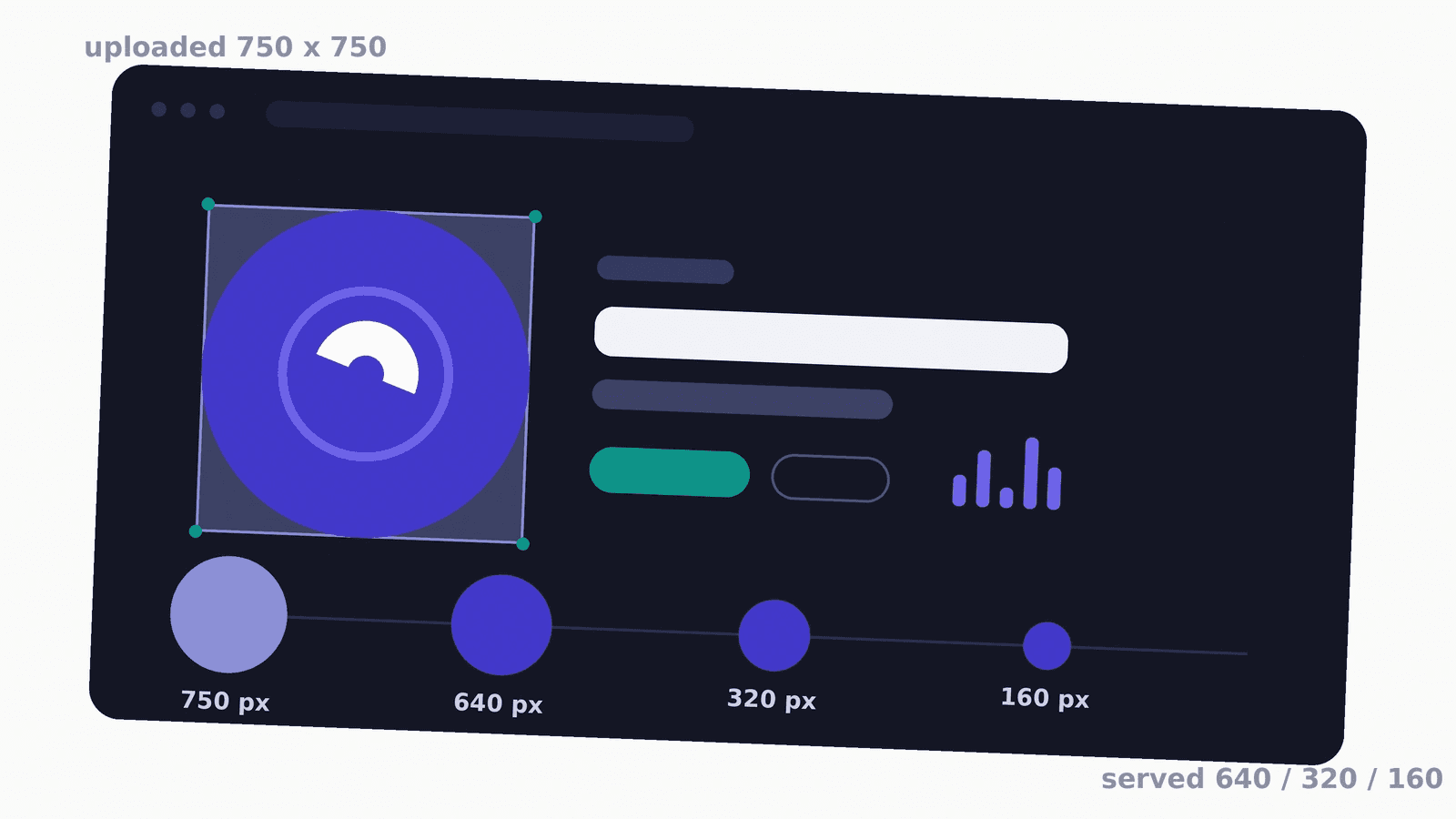
Spotify Profile Picture: 750x750 and the Circle Tax
Spotify asks for a square avatar of at least 750x750, then masks it to a circle that discards 21% of it. I measured the files it really serves back.
-
 Tutorials
Reddit Profile Picture Guide 2026: Sharp in the Tiny Circle
Reddit draws your profile picture at 32 px in comment threads. Get the real size specs, the circle-safe crop math, and measured exports that stay sharp.


