Notes from the team on craft, formats, and the small decisions behind a good result.
The compatibility landscape for AVIF in 2026
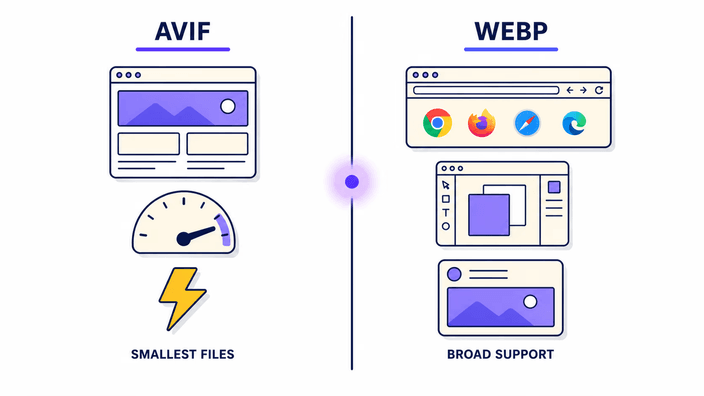
AVIF browser support reached about 94.3 percent of global browsers by 2026, but browser support is not the full picture. A large share of image consumption happens outside browsers: email clients rendering inline images, design tools opening files for editing, content systems validating and re-processing uploads, delivery image pipelines, document editors embedding assets, and social platforms that process images at upload time. In most of these non-browser systems, AVIF support lags well behind browser adoption. Gmail, Outlook, and most corporate email clients still process images through older pipelines that reject AVIF. Adobe Creative Cloud added AVIF support only in late 2024 versions. Many WordPress configurations with older image plugins still block AVIF on upload. WebP, by contrast, has been adopted across nearly all of these platforms for years. Converting AVIF to WebP is the compatibility bridge for this non-browser infrastructure.
Why the conversion is fast on both sides
The speed advantage of AVIF to WebP over the reverse direction comes from the codec architecture. Decoding AVIF is handled by a native browser decoder that runs with hardware acceleration on modern devices. Encoding WebP uses the browser's native WebP encoder, also hardware-accelerated on most platforms. Neither operation needs to load a heavy module, which is the bottleneck for AVIF encoding. The encoder for AVIF output is large and needs about a second to initialize per session. AVIF to WebP skips all of that. The whole round trip for a 2-megapixel photo finishes in well under a second on any modern desktop or laptop browser. This makes AVIF to WebP suitable for interactive workflows where the user expects a response in under a second.
How much the re-encode actually costs
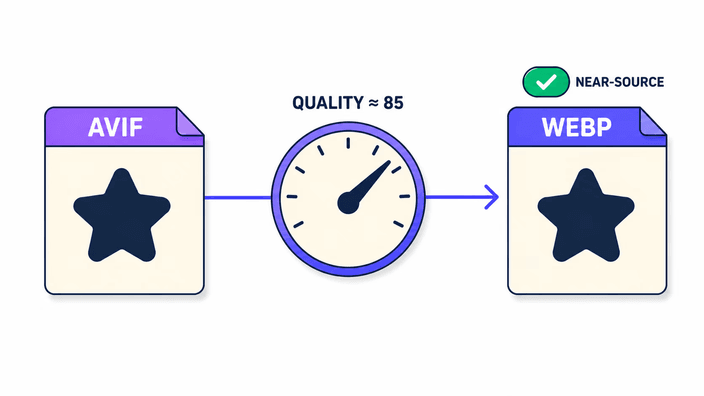
Converting AVIF to WebP involves one re-encode step. The AVIF was originally encoded with some degree of compression. Decoding it gives color values that reflect that source. The WebP encoder then applies its own compression to those values at a high-quality setting tuned to quality 85. At that setting, the output measures around 44 dB PSNR on typical photo content. For a viewer looking at a photograph at normal display size, the difference between the AVIF source and the WebP output is not visible. For graphics with very fine text at small sizes, precise icons, or hard-edged color blocks, the cumulative effect of two compression passes can show subtle differences under close inspection. Before committing to a full library conversion, test a representative sample at full zoom on your most quality-sensitive assets.
The transparency round-trip in detail
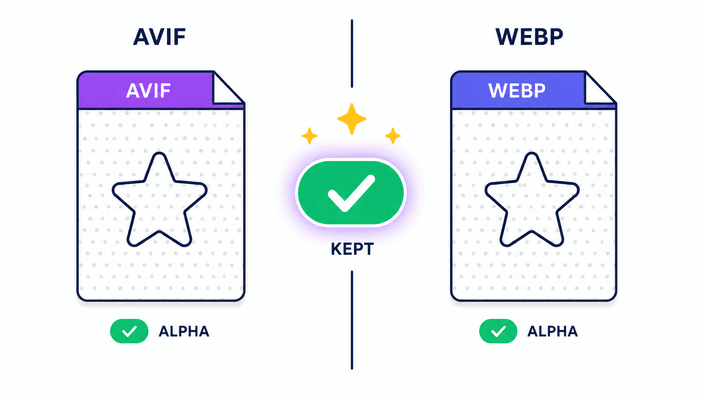
The transparency layer in AVIF is stored as a separate encoded plane. When the browser decodes an AVIF, it produces both a color buffer and a transparency mask. The conversion composites both at full transparency, preserving every partially transparent area. The WebP encoder then writes a file with a separate transparency layer encoded using WebP's own algorithm for that plane. The result is that the transparency mask in the output WebP is stored relative to the decoded values from the AVIF. Soft gradients and feathered edges survive. The only change present is what the AVIF's original encoding introduced. If the source AVIF has clean transparent edges, the WebP output will too, with the same masking ready for compositing over any background.
Comparing the output to the alternatives
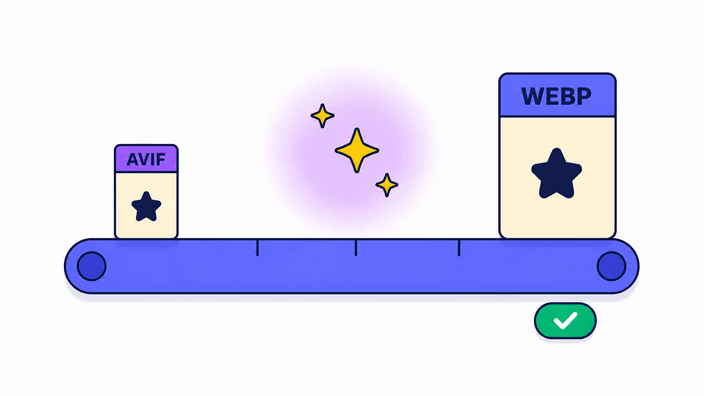
When you need to make an AVIF compatible with a system that does not read AVIF, you have three realistic options: convert to WebP, convert to PNG, or convert to JPG. JPG is the wrong choice for any asset with transparency, because JPG has no transparency support and flattens it to a solid color. PNG produces the largest file, typically three to ten times the AVIF size, and is the right choice only when you need an exact intermediate or the destination requires PNG specifically. WebP sits in the middle: it gives universal modern compatibility, keeps transparency, and produces a file usually 20 to 25 percent larger than the AVIF rather than 300 to 1000 percent larger like PNG. For any compatibility conversion that does not require an exact output, WebP is the right intermediate.
Single in the browser, batches on a server
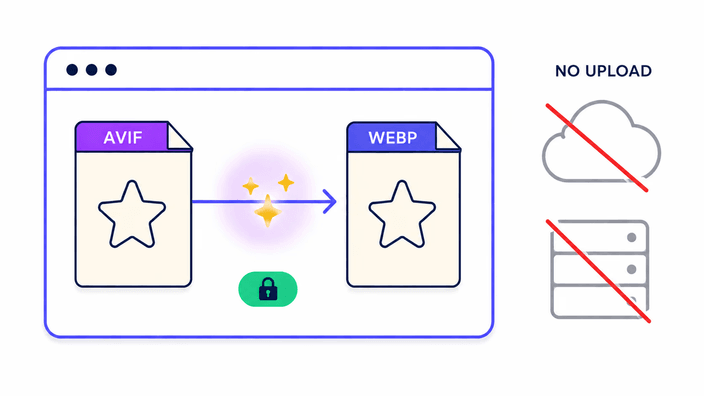
This pair runs two ways depending on the job. A single AVIF is decoded and re-encoded as WebP entirely inside your device using native paths, so for one file there is no upload at all. That is the right path for a quick one-off and for confidential client work, proprietary product images, or documents you would rather keep on your own machine. Converting several files at once is handled on our server instead, because batching, zipping, and delivering a set is the job a server does well: the files are sent up, encoded, packaged, and handed back as one download, which is then deleted within about 2 hours with no long-term storage. The practical read is that a single conversion is local, and a batch is processed remotely but kept only for the brief window it takes to download.