Notes from the team on craft, formats, and the small decisions behind a good result.
Why AVIF beats PNG so decisively on file size
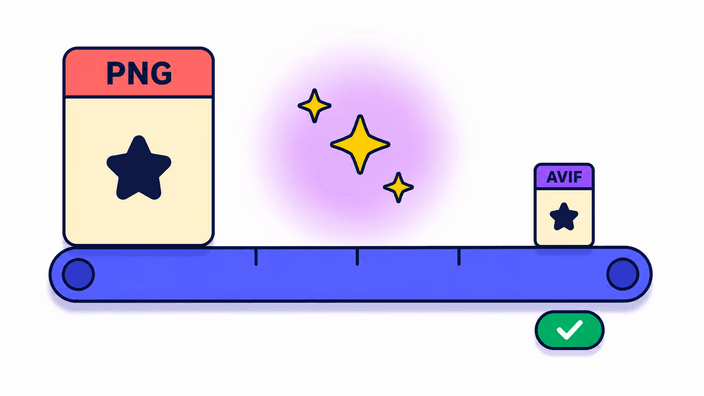
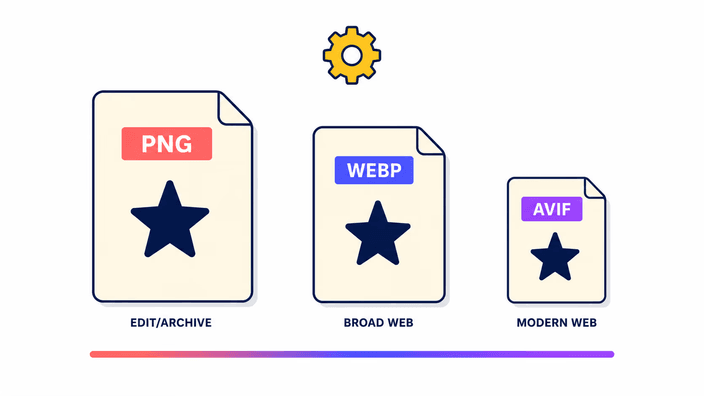
AVIF is built on a modern codec designed for perceptual efficiency rather than exact reproduction. PNG uses DEFLATE on raw color data, which is exact but leaves enormous redundancy intact in photographic content. AVIF replaces that redundancy with block prediction borrowed from video, discarding information the human visual system does not notice. The result is dramatic. A 116-kilobyte photo converts to roughly 16 kilobytes as AVIF at quality 85, and a transparent PNG usually shrinks 30 to 50 percent against an equivalent WebP. The gap widens with high-resolution photographs and narrows on simple graphics. For any site serving transparent images to a modern audience, the bandwidth saving translates straight into faster loads and lower egress cost.
The alpha channel story in detail
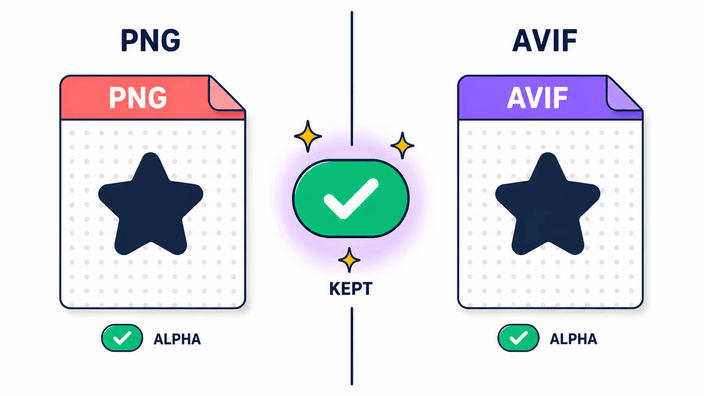
Both PNG and AVIF store transparency as a separate layer alongside the color data. When this pair processes your PNG, the decoder extracts the color data and the transparency mask independently. The AVIF encoder then writes a new file with its own transparency track, compressing both layers at quality 85. The transparency is not baked into the color and not replaced by a background fill. Soft shadows, feathered edges, and partially transparent gradients are all encoded faithfully. The one change AVIF introduces is compression on the transparency layer itself, which can create barely perceptible fringing around very hard edges at extreme zoom. At normal display sizes and quality 85, the difference is not visible. For precise icon work at tiny sizes, keep the PNG.
Encode speed in practice, browser by browser
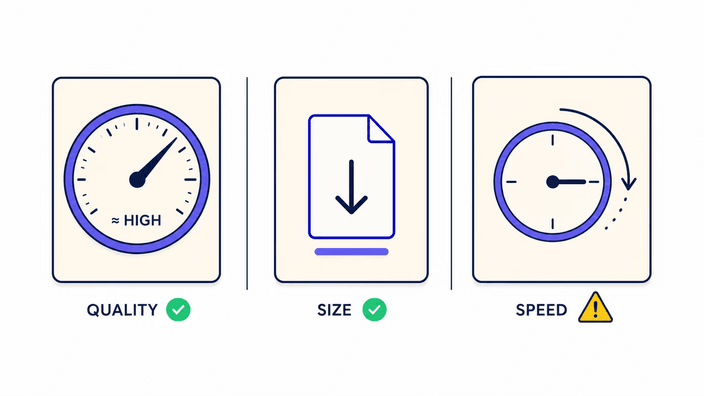
The AVIF encoder loads once per browser session, about 800 milliseconds to fetch plus 300 to initialize, so the first conversion carries roughly a second of warm-up. Warm encodes skip that entirely. On Chrome desktop, 0.12 megapixels takes about 40 milliseconds, 1 megapixel around 250 milliseconds, and 8 megapixels approximately 2.8 seconds. Firefox is the outlier, running the same encoder about four times slower, so a 4K photo can take 30 seconds or more there. WebKit on Safari sits between the two, closer to Chrome. On mid-range mobile hardware the numbers run three to five times worse than desktop Chrome. If you convert large files often, Chrome on a desktop or laptop gives the best throughput.
When to keep PNG instead of converting
PNG stays the right choice in several cases even when file size matters. First, graphics with sharp text at small sizes, like labels, badges, or favicon-scale icons, can show artifacts in AVIF that are unacceptable at typical viewing distances. Second, source-of-truth files used for further editing should stay PNG, since every pass through a compressed format compounds quality loss. Third, environments that reject AVIF, including some document editors, older design tools, and email clients, need PNG for interoperability. Finally, animation beyond the first frame is not preserved, since this pair handles a single frame. For everything else, transparent photographs and graphic assets headed to modern web delivery, PNG to AVIF is the right trade.
Core Web Vitals and the bandwidth argument
Largest Contentful Paint, the primary loading metric, is directly affected by the size of the largest image on a page. Reducing that image from 116 kilobytes to 16 kilobytes, as measured on a 4K photo in development, cuts transfer time on a 10 Mbps connection from roughly 93 milliseconds to roughly 13 for that element alone. Multiply that across a product grid, a hero carousel, or a UI packed with transparent icons and the cumulative saving pushes LCP well under the 2.5-second threshold Google treats as good. AVIF adoption accelerated precisely because the argument can be made in hard numbers. At about 94.3 percent browser coverage, the fallback case is small enough that the bandwidth win outweighs the extra picture element markup.
How this differs from a typical online converter
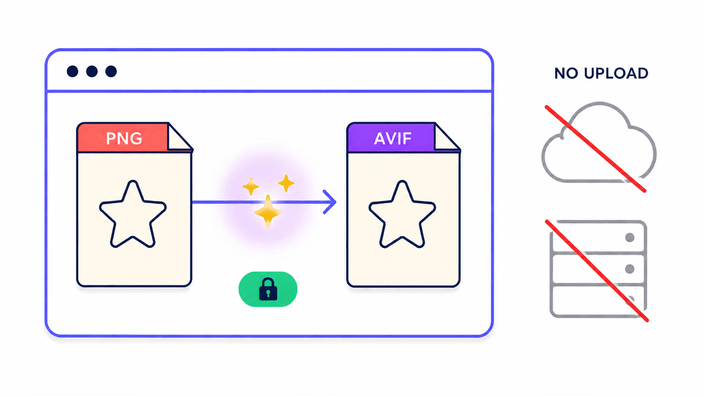
Most online AVIF converters upload your PNG to remote machines, process it there, and hold it under whatever retention policy the provider sets, which is often vague. RoundCut is direct about its flow. Because AVIF encoding is heavy, the conversion runs on our server for the best result, with an in-browser encoder as an automatic fallback when the server is unavailable. When your file is sent to us, it is encoded and then removed within about 2 hours, without asking for an account and with no use beyond the conversion you asked for. There is no permanent storage and no sharing of your image. For developers working with client documents, proprietary product photography, or user-generated content, the honest version of the trade is this: the file may pass through our server, it is handled only to produce your AVIF, and it does not stick around.