Notes from the team on craft, formats, and the small decisions behind a good result.
Why AVIF encode is slower than other formats
AVIF is built on advanced video codec compression designed to maximise compression ratio rather than encode speed, so it leans on more expensive prediction modes, larger transforms, and more complex filters than JPEG or WebP. The encoder here is a software build running on your device. A software AVIF encode on a typical web-sized image takes around 250 milliseconds once the encoder is warm on Chromium desktop, and around 1.1 seconds cold including the warm-up. At 8 megapixels, the encode takes around 2.8 seconds on Chrome and around 31 seconds on Firefox, which runs this kind of code more conservatively. On mid-range mobile, expect roughly 3 to 5 times the desktop figure. That is exactly why the interface never calls AVIF conversion instant. It is fine for single-photo work, but slow enough that showing a progress state is the honest thing to do.
What happens when you pick AVIF output
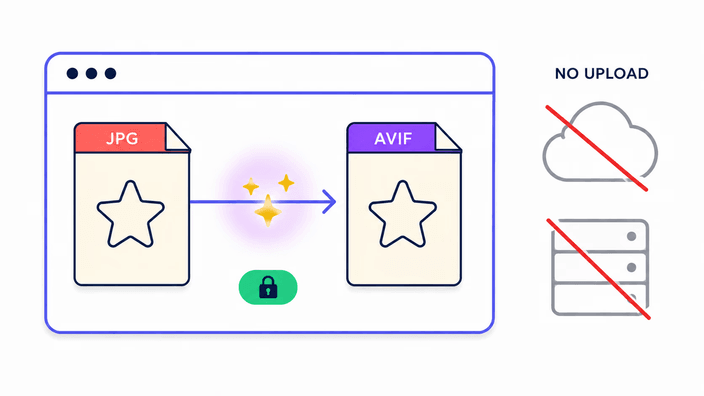
AVIF is the most demanding format this tool produces, so to give you the smallest, best-looking file RoundCut may run the encode on our server using a fast native build, and converting several at once always runs there. The files involved are deleted within about 2 hours, and you can clear them right away. When that path is unavailable, a compiled AVIF encoder loads once on your device, and the conversion finishes locally as a fallback. For the PNG, JPG, and WebP pairs none of this applies, since those lean on the browser's native codecs. The extra work is the price AVIF charges for its size advantage.
How AVIF beats JPEG at the same quality
AVIF uses block-based prediction much like modern video codecs. For each block of image data, the encoder tests several prediction modes, directional, smooth, and DC, against already-encoded neighbours, then keeps whichever leaves the smallest residual. Only that residual difference is transformed and quantised, not the raw image data. This captures local image structure far more efficiently than JPEG's fixed-block model, which applies the same transform geometry everywhere regardless of content. On smooth gradients, AVIF's prediction can reproduce a region with almost no residual at all. On skin tones, hair, and sky, AVIF consistently turns out smaller files than JPEG or WebP at visually equal quality. The trade-off is encode complexity, since testing many prediction modes per block is expensive, which is why AVIF takes seconds while JPEG takes milliseconds.
Core Web Vitals: converting hero images to AVIF
Largest Contentful Paint measures how fast the biggest visible element in the viewport loads. On most landing and product pages, that element is a hero photo. Google has confirmed Core Web Vitals are a ranking signal in Search. A typical hero JPEG on a 3G connection might take about 2.4 seconds to load. The same image as AVIF at the default quality could be two-thirds smaller, trimming the LCP contribution to around 0.8 seconds on the same link. That moves LCP out of the red zone above 2.5 seconds and into the green zone below it, a meaningful shift for Search performance. The saving compounds across every image on the page. CDNs with automatic format negotiation, like Cloudflare, Fastly, and Akamai, read the browser's Accept header and serve AVIF to compatible browsers on their own once AVIF originals exist in the library.
AVIF in 2026: support, readiness, and the gaps
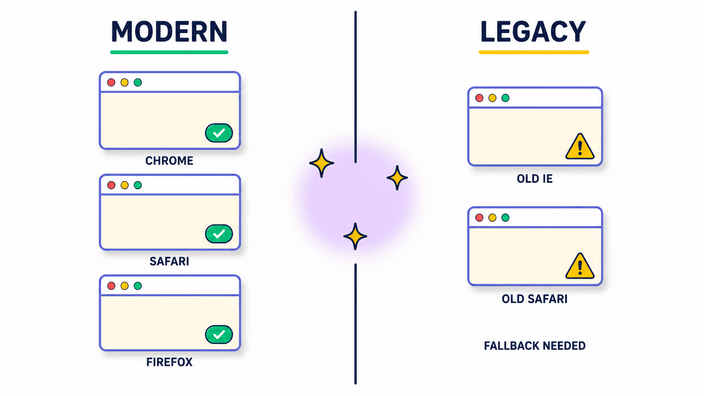
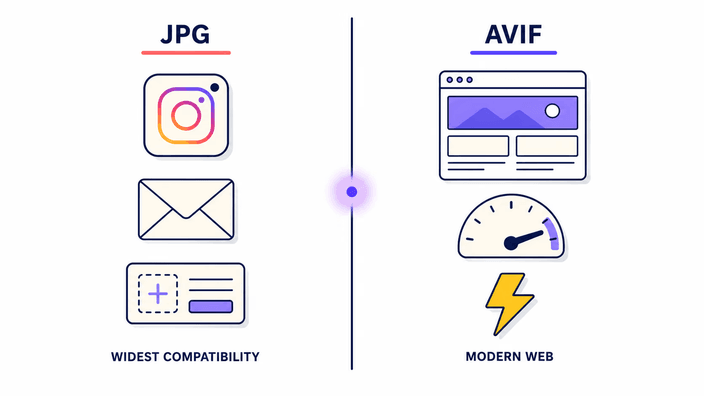
As of mid-2026, AVIF decodes in Chrome 85+, Firefox 93+, Safari 16.4+ on iOS 16 and macOS Ventura, and Edge 121+. Combined global coverage is roughly 94 percent of browser traffic. The 6 percent gap is mostly older iOS devices still on iOS 15, which Apple has stopped updating for most modern features, plus Internet Explorer. For broad consumer audiences, AVIF is production-ready for web delivery. The remaining gaps are on the tooling side. Lightroom added AVIF export in version 13.3 in 2024, Affinity Photo has supported AVIF import and export since version 2.3, and most stock agencies still do not accept AVIF for submission. Print services universally still want JPEG or TIFF. For the web the format is ready, but for any workflow that passes files through third-party systems, keep a JPEG master in reserve.
File sizes compared: AVIF, WebP, and JPEG
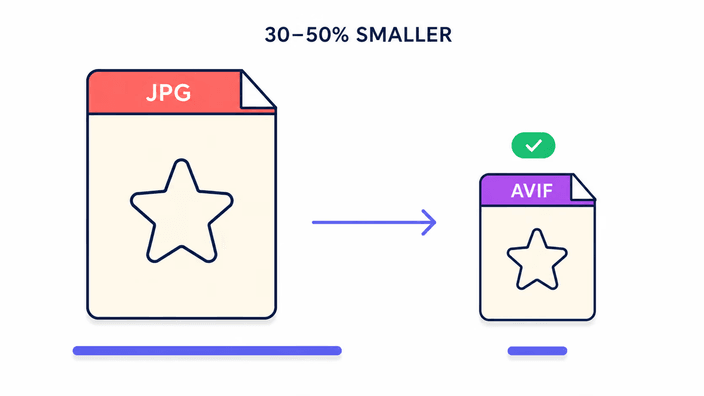
Our benchmark across three real-world test fixtures gives a reliable comparison at the default quality across formats. For a typical small photo as JPEG, the WebP equivalent measured 57 percent lighter, and the AVIF measured 65 percent lighter. For a large high-resolution photo, the WebP equivalent measured 72 percent lighter, and the AVIF measured 86 percent lighter. The AVIF lead over WebP grows on large, high-resolution photos. On very small images, AVIF's advantage shrinks and the encode overhead becomes a bigger share of the total time. These are measured numbers from our own pipeline, not vendor marketing. Individual photos will vary with content complexity, noise, and colour range.