How do I crop an image without losing quality?
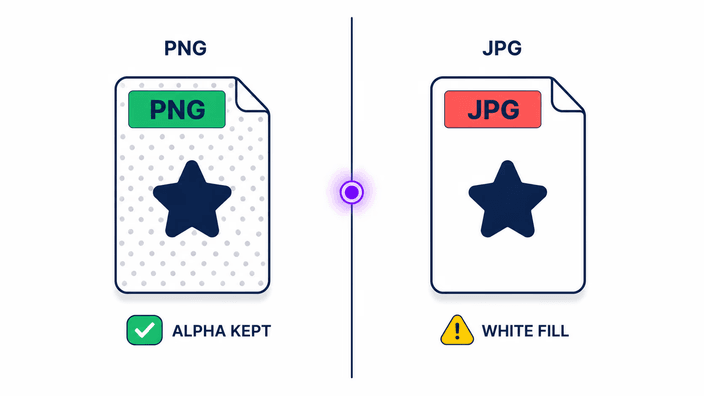
Cropping itself does not soften what you keep, it only removes the area outside the selection, so the pixels inside stay exactly as they were. Quality drops only if you then export to a lossy format at a low setting, or expect the small crop to fill a much larger space. Keep the output as PNG, or as WebP at a high setting, and the part you framed looks the same as the original.
What aspect ratios and presets can I crop to?
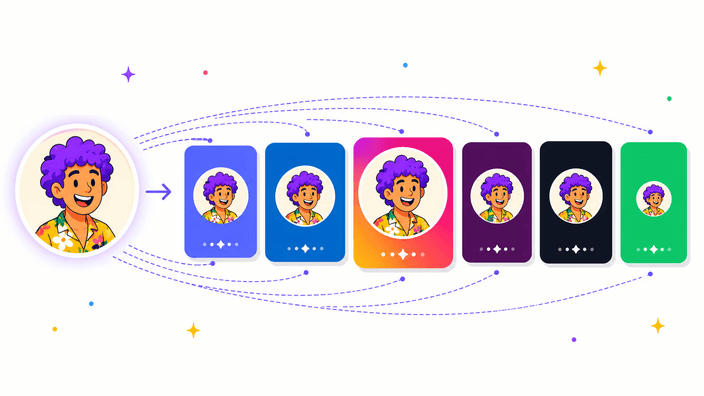
You can crop freeform, or lock the selection to common ratios like square, 4:5, 9:16, 16:9, 3:2, and 4:3. On the social preset routes the crop also starts at the size a platform expects, such as a square Instagram post, a Facebook share image, a YouTube thumbnail, a Twitter header, or a LinkedIn banner. The box holds the ratio while you drag, so the frame never drifts.
Are my images uploaded to a server?
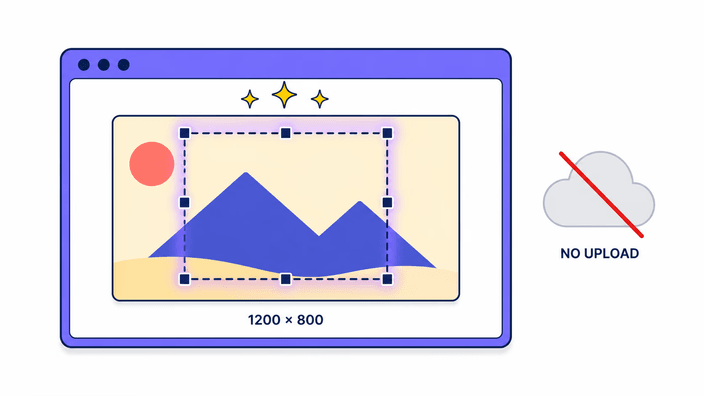
No. The crop runs entirely on your own device, and the photo is never sent anywhere. You pick a file, frame it, and the cut downloads straight back to you, with no round trip to a server in between. After the first load the page does not reach the network again, so a crop works even if the connection drops. The privacy page explains how files are handled.
Which image formats can I crop?
You can crop PNG, JPG, WebP, and AVIF images directly. Animated GIF is read as a single still, its first frame, since this is a still-image cropper. Formats like HEIC, TIFF, and RAW are not read here, so convert one of those to a common type first and then crop the result. The output comes back as PNG, JPG, WebP, or AVIF, whichever you choose.
Can I crop an image to custom dimensions?
Yes. You can drag a freeform selection to any shape, or lock a ratio and size the box to the part you want. The crop keeps the source pixels inside the selection, so the result is as large as the area you framed. It does not stretch a small selection up to a bigger target, which keeps the cut honest about how much detail it actually holds.
Can I rotate a photo while I crop it?
This tool focuses on the rectangular crop and the ratio lock rather than rotation, so it keeps the frame upright while you choose what to keep. If a photo comes in tilted, straighten or rotate it in an editor first, then crop the corrected version here. Keeping the two steps separate makes the crop itself fast and predictable.
Does cropping remove image metadata?
Yes. When the crop is exported, the camera metadata, such as the location, device model, and timestamps, is stripped out, and the file you download carries only the pixels. That is useful when you share a photo and do not want the embedded details going with it. If you need that metadata kept, work from a copy that still has it.
What is the difference between cropping and resizing?
Cropping changes which part of the image you keep by cutting away the edges, so the frame and the composition change but the kept pixels stay their original size. Resizing keeps the whole picture and changes its dimensions in pixels instead. If you want a tighter shot, crop. If you want the same shot at an exact width and height, resize is the right tool.